
Editorial photography
Describe a believable moment, camera distance, natural light, and the surface details that make a photograph feel lived in.
Picture ideas, made visible
Turn a simple description into an original visual. Explore practical picture ideas, learn a reliable prompt structure, then create your image with Froging AI.
Picture.name is a guide and launchpad. Image creation opens Froging AI.
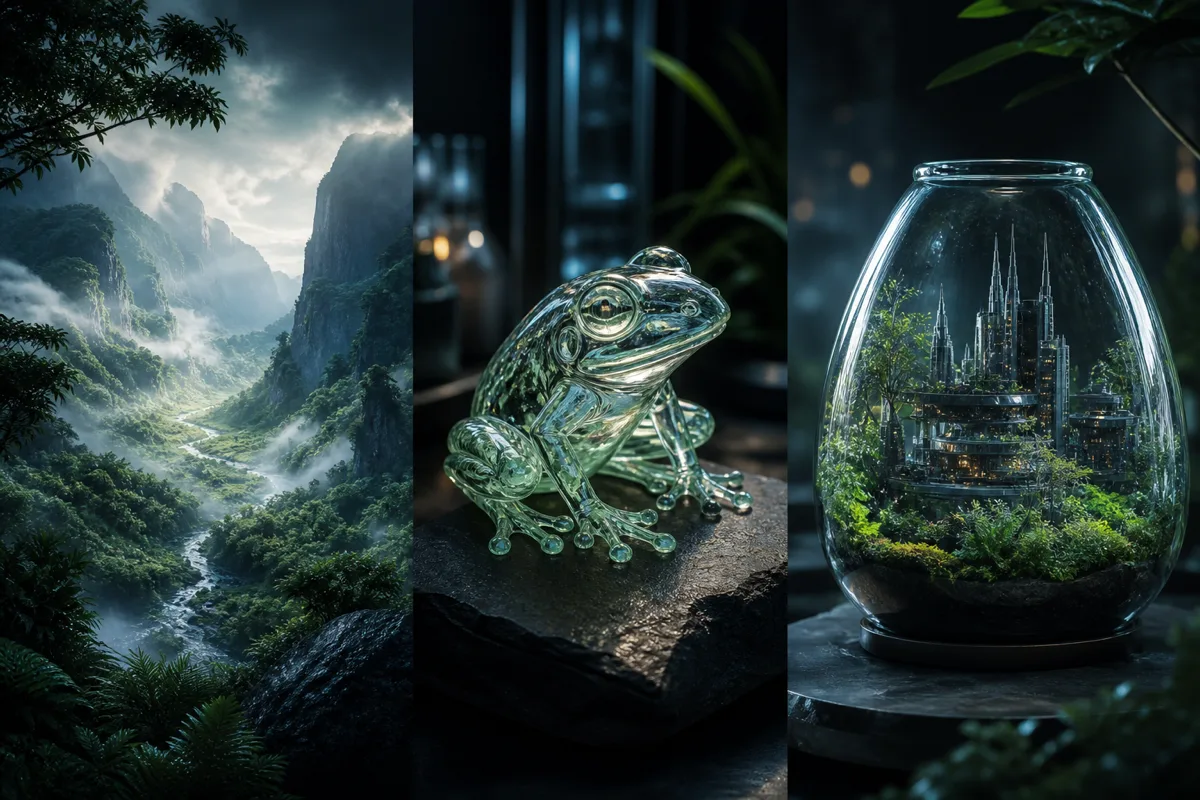
Start with an intention
A strong AI picture begins with a single visual goal. Decide what the image needs to communicate, then add details that support that goal instead of competing with it.
Describe a believable moment, camera distance, natural light, and the surface details that make a photograph feel lived in.
Name the medium, shape language, palette, and emotional tone. Keep the subject clear before adding decorative details.
Define the object, material, viewing angle, backdrop, and lighting. Ask for a clean silhouette and omit unwanted logos or copy.
A useful prompt formula
Write prompts as visual directions, not keyword piles. A compact sequence—subject, setting, style, composition, light, constraints—gives the generator a coherent scene to build.
Subject: What should the picture focus on? Be concrete: “a weathered timber cabin,” not simply “a house.”
Setting: Place the subject in a specific environment and mention the time, season, or weather when it matters.
Style: Choose photography, watercolor, 3D, editorial collage, ink drawing, or another clearly understood medium.
Composition: State the framing and viewpoint: close-up, wide landscape, top-down, centered, or with deliberate negative space.
Light & mood: Use light to guide atmosphere—soft window light, overcast daylight, neon reflections, or a warm sunset.
Constraints: Finish with what to avoid, such as text, logos, watermarks, extra subjects, or distorted anatomy.
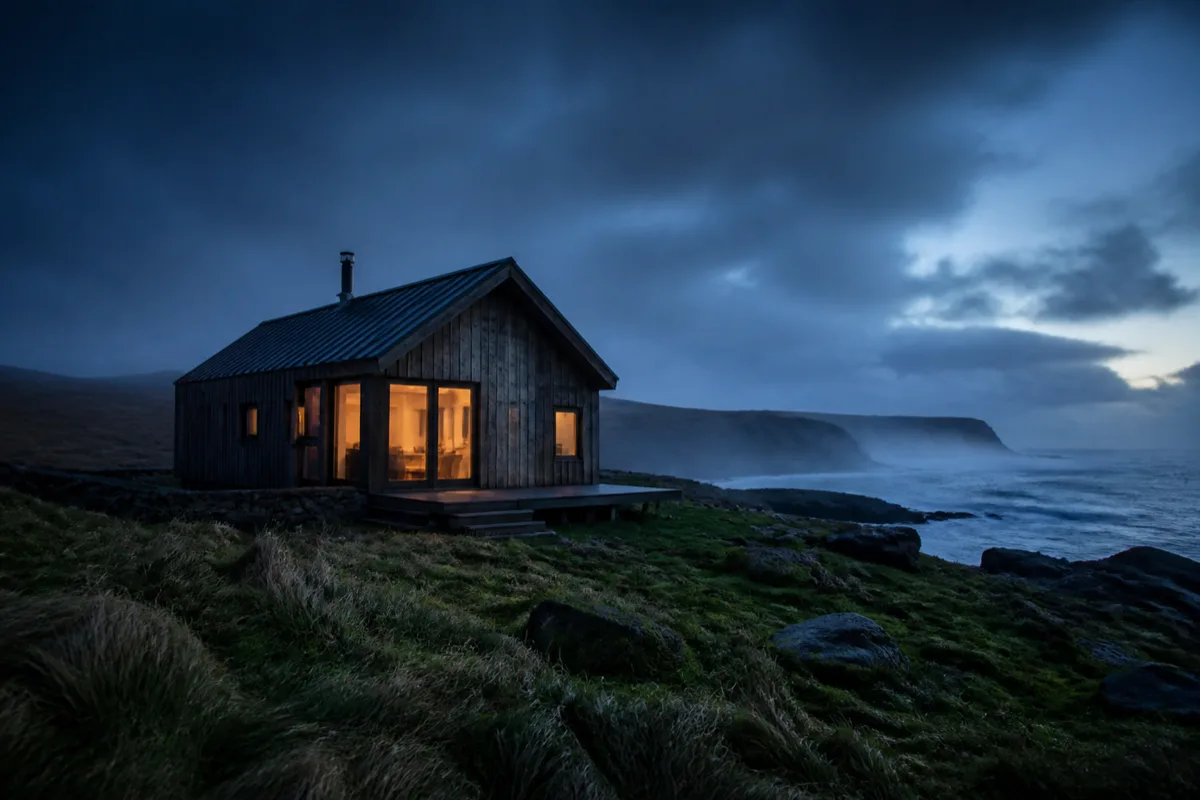
Example prompt
“A weathered timber cabin on a rugged coast at blue hour, wide editorial photograph, wind-shaped grass, low sea mist, warm window light, natural textures, no people or text.”
Refine with purpose
The first result is a draft. Instead of rewriting everything, identify the largest mismatch and change one instruction. This makes it easier to understand which words are shaping the picture.
Remove background detail and describe the subject’s shape, material, expression, or action more precisely.
Specify a viewpoint, framing, subject scale, and where negative space should remain.
Replace broad words like “beautiful” with a medium, era, texture, or photographic treatment.
Keep one focal point, simplify the setting, and explicitly exclude distracting objects or text.
Plan for the destination
The same subject needs different treatment on a landing page, in a social post, or inside an article. Define the final placement before you write the prompt so the composition leaves room for the content around it.
Choose a wide frame and tell the generator where clean negative space should remain. Keep the focal point away from headings and buttons, especially when the layout stacks on mobile.
Translate the article’s main idea into one visual metaphor. Specify a restrained palette and a consistent medium, then avoid literal labels unless readable text is essential.
Use a strong silhouette, simple background, and a crop that survives smaller screens. Generate for the intended aspect ratio rather than trimming an important subject afterward.
Before publishing, review the final image at its real display size. Check small details, unintended text, recognizable trademarks, and whether the visual still communicates without the prompt beside it. Add concise alternative text that describes the finished picture and its purpose; do not copy the generation prompt into the alt attribute.
Take the prompt formula with you and start creating on Froging AI. Your destination is the AI image creation page—not an account wall or a placeholder tool on Picture.name.
Common questions
An AI picture generator turns a written description into an original image. You describe the subject, scene, style, composition, and mood; the model interprets those instructions and creates a visual result.
Picture.name is a lightweight idea and prompt guide. When you choose Create a picture, you will continue to Froging AI, where the image generation experience is provided.
A useful prompt identifies one main subject, gives it a clear setting, chooses a visual style, and adds only the composition and lighting details that influence the result. Clear direction usually works better than a long list of unrelated adjectives.
No. Familiar visual terms can help, but a plain description is enough to begin. Start with what you want to see, generate a first result, then refine one aspect at a time.
Usage rights depend on the generation service, model, plan, and source material. Review the current Froging AI terms before using an image commercially, and avoid requesting protected logos, characters, or another creator’s work too closely.
Continue to Froging AI to turn your description into an image, then refine the prompt until the result matches your intent.